
Android · Offline · Sync
A shared shopping list for your whole family.
Add items, check them off in the store, and let sync keep everyone on the same list. It works offline too, and all your loyalty cards stay in one place.
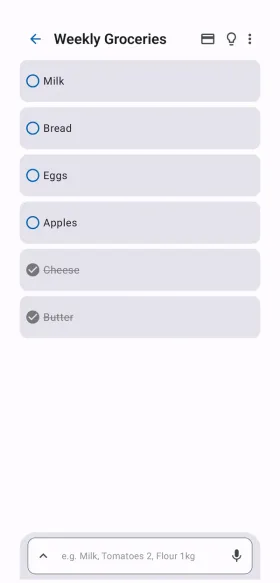
What ListyMate does
A grocery list that fits how you shop, whether you shop alone or with the whole family.
-
Lists that fit you
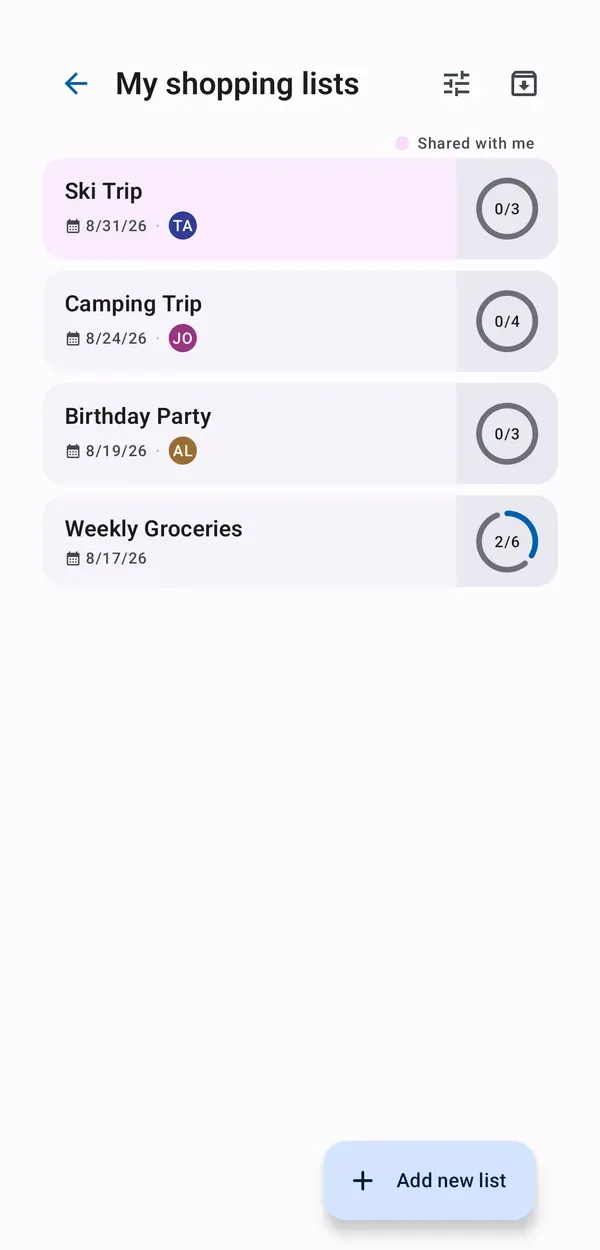
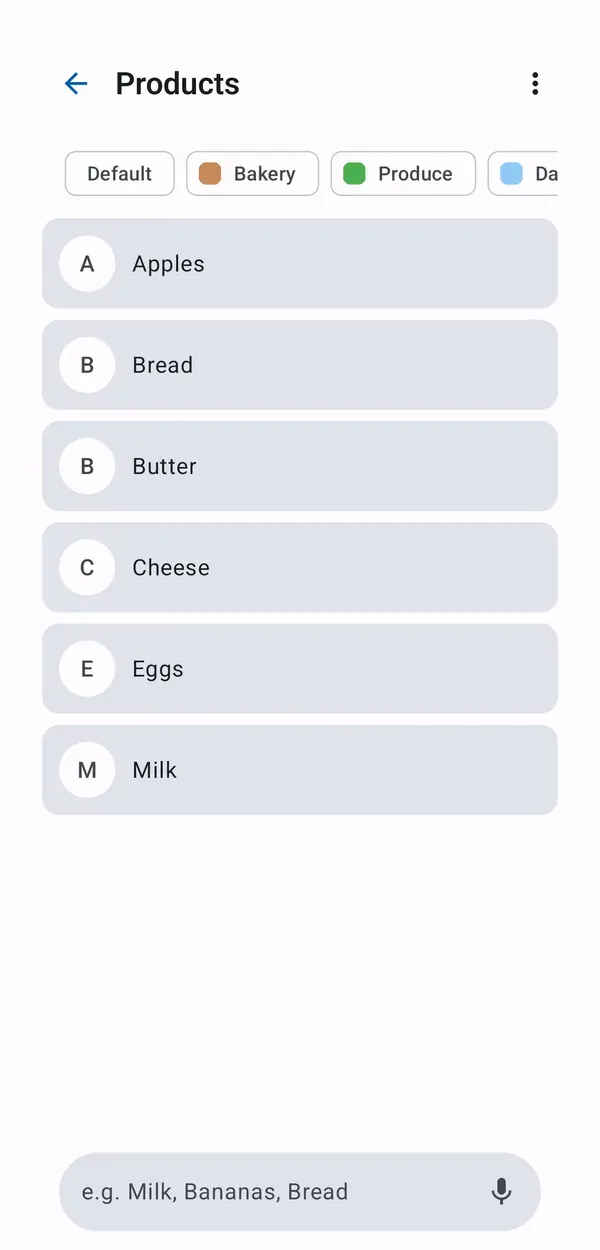
Create as many lists as you need. Add items by typing, by voice or from your own product list, sort them by category or by who added them, and archive old lists.
-
Shared with family and friends
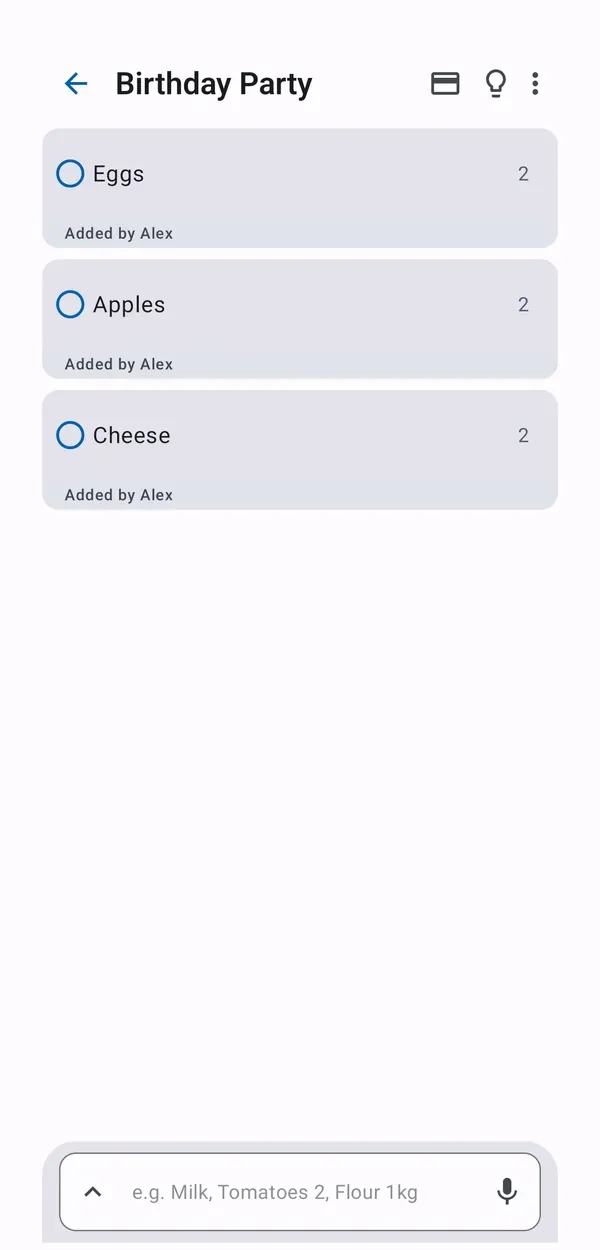
Invite people to a list with a QR code or an invite link. Everyone can add and check off items and see who added what.
-
Works offline
Your list lives on your phone first, so it keeps working with no signal in the store. Sync starts automatically when you are back online.
-
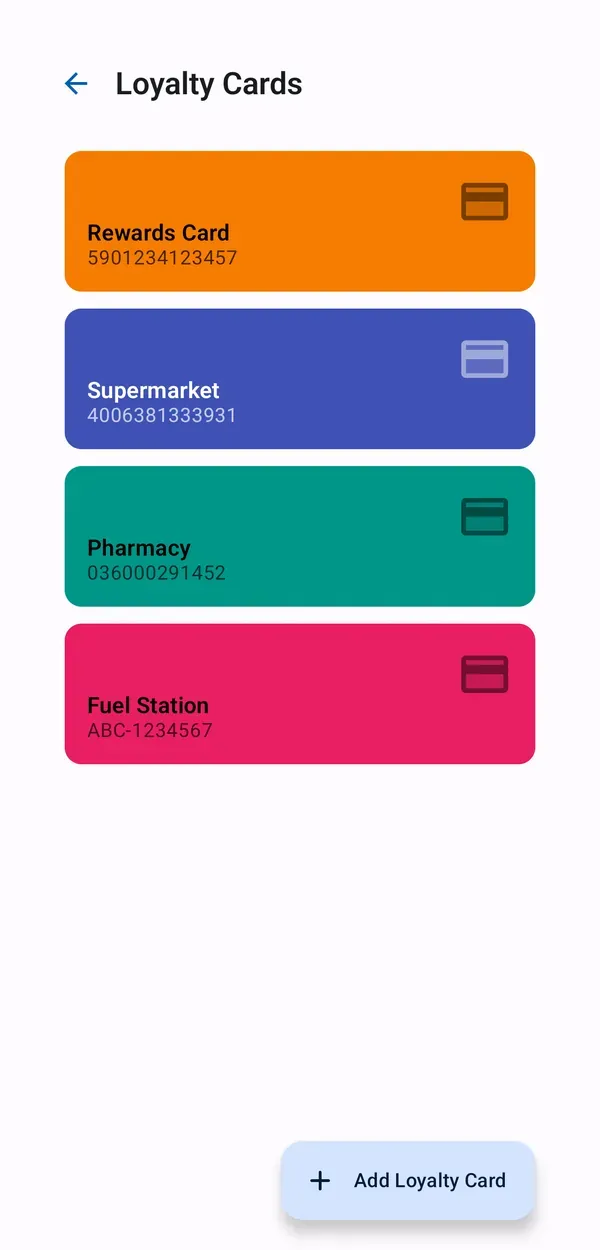
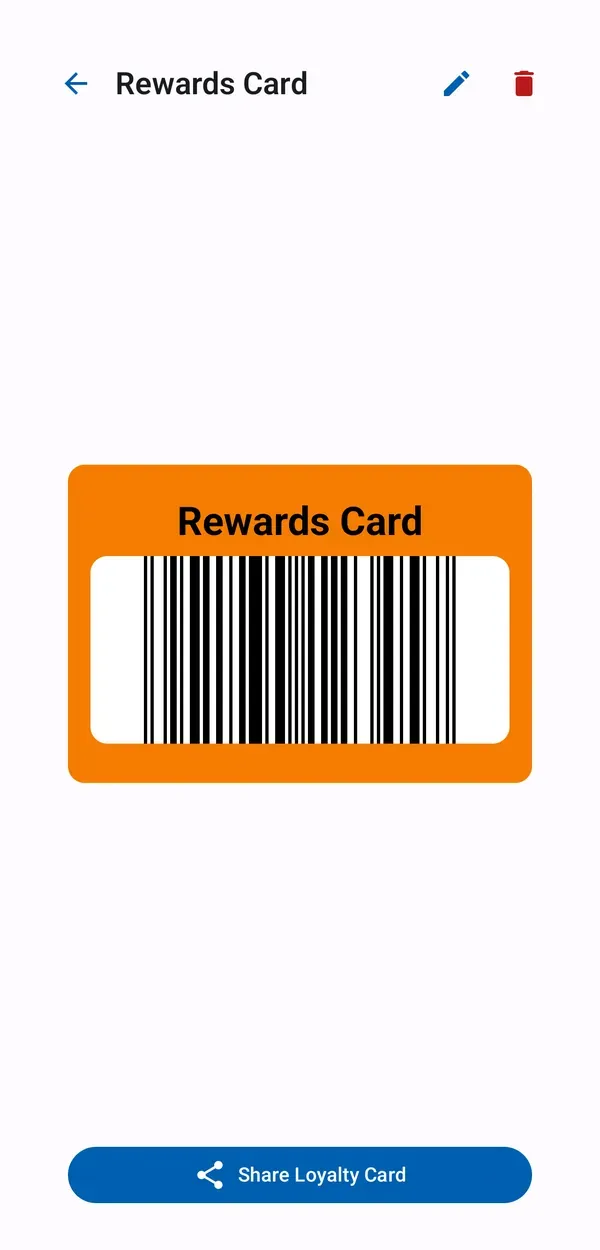
Loyalty cards in one place
Scan a card's barcode or type the number in, then show it full-screen at checkout. Share a card with family or link it to a store.
-
Stores and shopping trips
Add stores with a name, a photo and a colour, link loyalty cards and lists to them, and plan your next trip by store and date.
-
Home screen widgets
Check off items from the shopping list widget, show a card with the loyalty card widget, or see your next trip at a glance.
How it works
From the weekly grocery run to a party or a weekend away.
-
Create a list
Start a list for the week, a party or a trip, and add items in seconds.
-
Invite your family
Share a QR code or an invite link. Once they join, everyone sees the same list.
-
Shop and check off
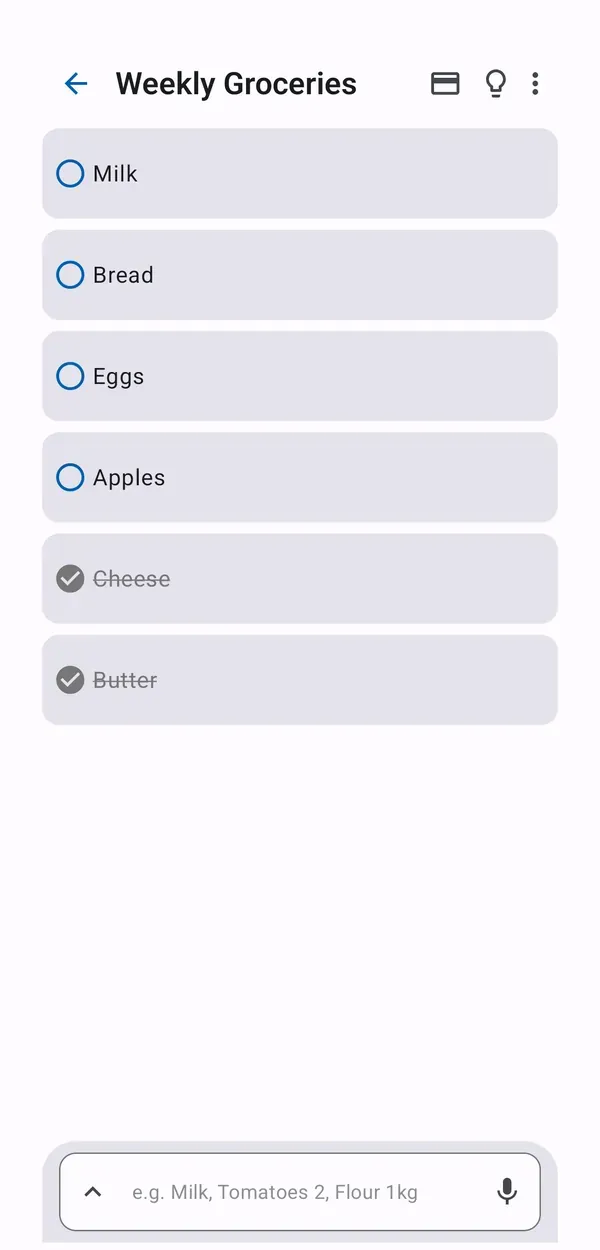
Tick items off in the store, even with no signal. Changes sync as soon as you are online.
See it in action
Screens from the Android app, shown with sample data.
Questions
Does it work without an internet connection?
Yes. Your lists are stored on your phone first, so you can add items, check them off and reorder them offline. Sync starts automatically once you are back online.
Do I need an account?
You can register with an email address and a password, or use a temporary account without registering. A temporary account has limited functionality: it does not support adding friends.
How do I share a list?
Turn any list into a shared one and invite family or friends with a QR code or an invite link. Everyone who joins can add items, check them off and see who added what.
Is ListyMate free?
ListyMate is free to download and contains ads. ListyMate Premium removes the ads and lets you attach photos to items.
How do I delete my account?
Use the account deletion option in the app, or send a request to support@listymate.com. The Privacy Policy describes what happens to your data.
Is ListyMate available for iPhone?
At the moment ListyMate is available for Android, on Google Play. The app is available in 23 languages.
The legal texts (currently in Polish only): Privacy Policy and Terms of Service.
Plan your shopping together.
Install ListyMate and keep every grocery list, and every loyalty card, in one place.